MESH AI PLATFORM / DOCUMENTATION
Dashboard & Projects
Navigate Project resources and interpret operational measurements.
Choose the right scope
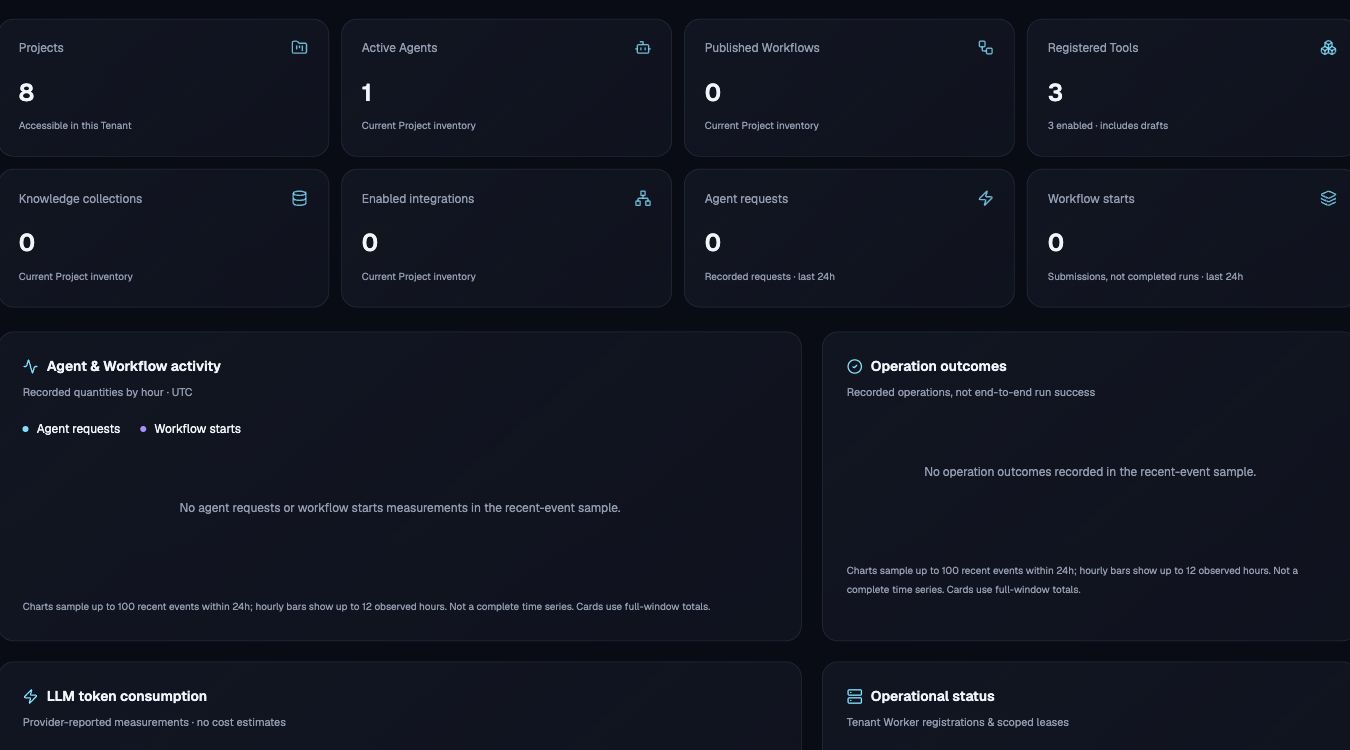
The Dashboard offers a Tenant overview and a Project selector. Inventory cards show the authorized scope. Projects group the resources that compose a business solution. Project metadata and lifecycle actions require appropriate management access.
Read measurements accurately
Agent requests, Workflow starts and recorded operation outcomes measure different events. A submitted Workflow is not necessarily complete. Missing provider measurements appear as unavailable. Recent-event charts are bounded samples, not complete billing records.
Explore your Project
- Select a Project in the navigation.
- Open Agent Studio, Agent Chat, Workflow Studio, Tool Registry, Knowledge Hub or Integration Hub.
- Use Operations to investigate actual runs, attempts and trace references.
- Refresh the Dashboard when you need a current snapshot.