MESH AI PLATFORM / DOCUMENTATION
Integration Hub
Configure authentication profiles, approved destinations and read-only operations.
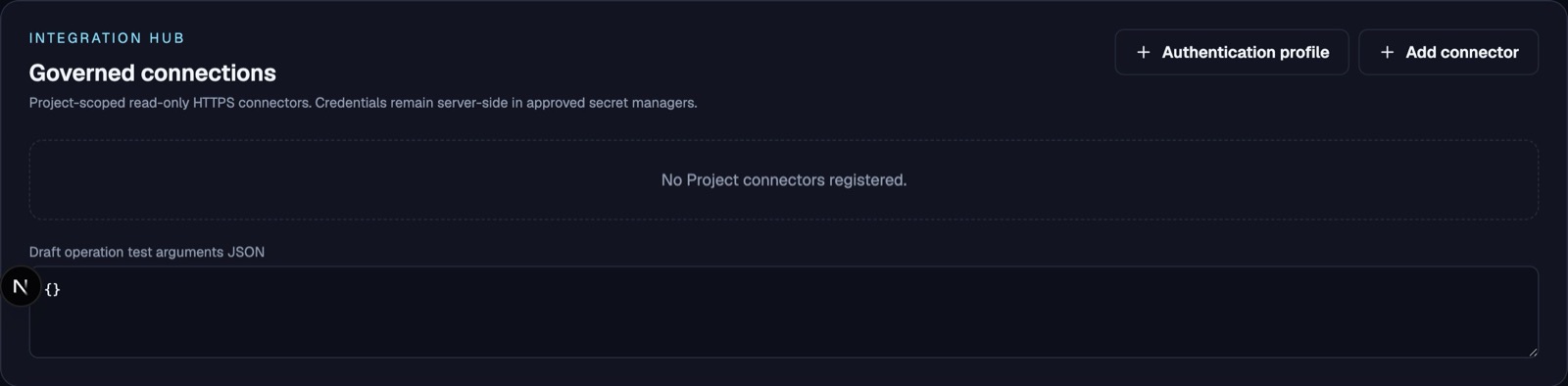
Set up a connector
- Create an authentication profile if the external API requires one.
- Register a Project connector with an approved HTTPS destination and selected profile.
- Define a read-only GET operation with a fixed path and supported typed parameters.
- Test through the authorized Gateway and inspect bounded, sanitized results.
- Publish the reviewed operation as a Tool version and grant it explicitly.
Authentication options
The current guided profile form supports API key, Static Bearer, OAuth2 client credentials, and Custom login and refresh. Advanced JSON covers supported mappings beyond the guided fields. Portal sign-in and external API authentication are separate configurations.
Validate & activate
Saving creates a disabled profile. Use Validate & activate and inspect the returned diagnostics and persisted enabled state. An HTTP 200 or a toast alone does not establish activation or successful upstream authentication. Credential availability, configuration validation and live connectivity are separate checks.
Network prerequisites
Real requests require the approved egress path and deployment verification. A configured URL or environment flag alone does not establish network isolation. A blocked egress diagnostic is not evidence that the upstream API rejected the credentials. Production activation remains deployment-dependent.
MCP boundary
Discovery and schema governance do not imply unrestricted remote MCP execution. Only explicitly supported and authorized operations may execute.